
Cricut Explore Air 2 Review (+ FREE DIY Christmas Gift Tags)


Are you looking for that perfect Christmas present to top all Christmas Presents to give to your Wife or Sweetheart? Look no Further than the Cricut Explore Air 2!

As you know. I adore my Cricut Explore Air (Learn why here). It has long been my favorite crafting machine that I have owned. Which says something since I have owned multiple Crafting machines (both Cricut and Silhouette) That's why I was soo excited to get my hands on the Cricut Explore Air 2 when I heard it was out. Now that I have owned and used my Explore Air 2 for a few weeks I can honestly say I LOVE it even more than my Explore Air.
There is a reason why most women are drooling over and dreaming of owning the Cricut Explore Air 2.
[Tweet "Cricut makes being crafty and creative EASY!"]
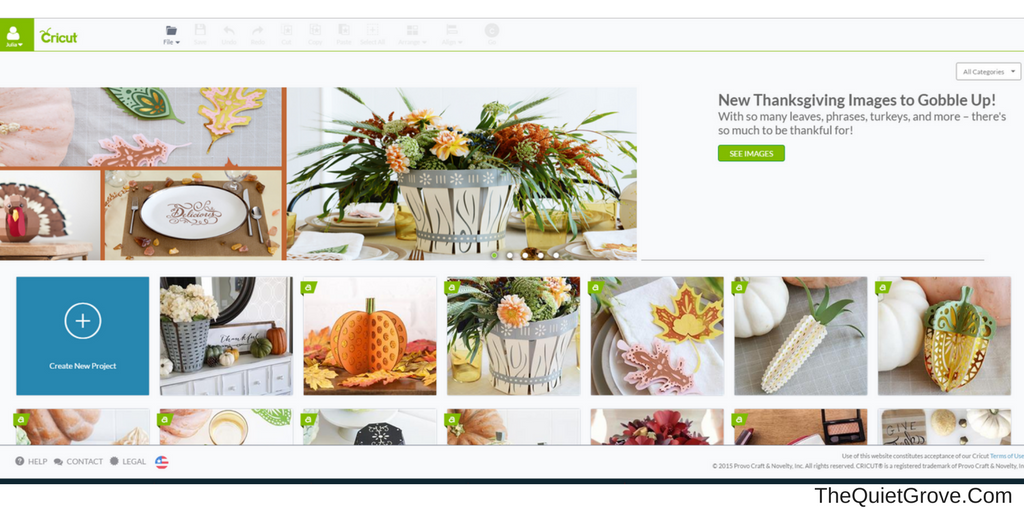
The Cricut Explore Air 2 uses Cricut's Design Space (where you create or customize projects to make with your Cricut machine) which is super EASY to use.
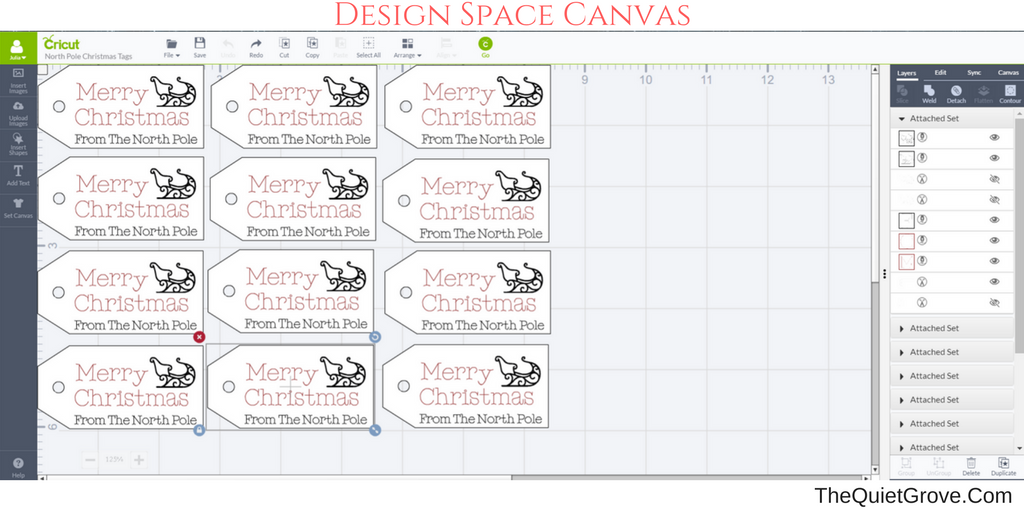
- You never have to worry about losing your designs since Cricut's Design Space operates online on a Cloud Server (though thanks to a new IOS update you can also create and work on your projects offline on your Ipad and Iphone.)
- Since Design Space is online instead of a program downloaded to your computer you can access your designs from any computer merely by logging into your Design Space Account at Cricut.com
- For those in a hurry or who may not be great at designing their own projects, Cricut has hundreds of Pre-designed projects that are ready to make via their Design Space Membership Access.
- More advanced or experienced crafters are happy to discover that there is no additional cost (like I had to buy when I owned a silhouette Cameo) to use your own fonts or designs.
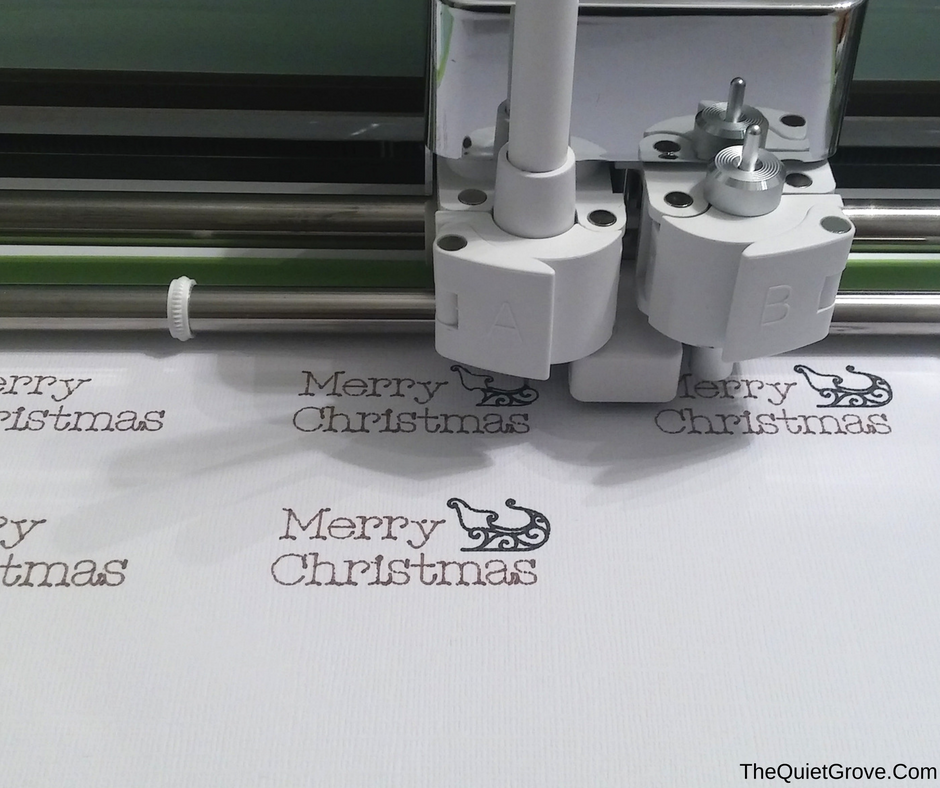
Like The Cricut Explore Air, the Air 2 has a slot for writing pens/ score pen next to the cutting blade so you can use them at the same time as the cutting option. (This is big for me since it cuts back on time for my projects.)
[Tweet "The Explore Air 2 is FASTER!"]
The Cricut Explore Air is 2 x Faster than the Cricut Explore Air! For those who don't craft being faster might not seem that big of a deal, but trust me when you are doing a large project (like I often am) then every second counts. Yesterday, I made these adorable "Merry Christmas From the North Pole" Christmas Gift tags using Cricut pens and White Cardstock. I was excited to see how fast the tags were drawn and printed. It literally just took a few minutes from design to finish.
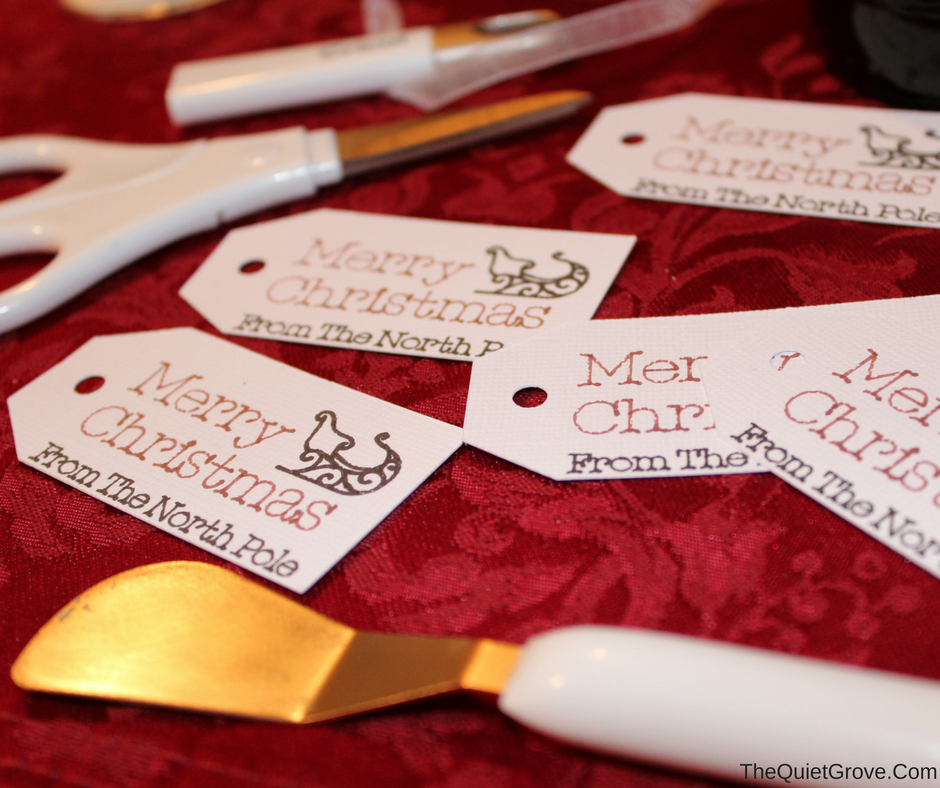
For those who already have a Cricut Cutting machine who want to make these gift tags, you can access my design canvas here! I used these tags for some cute Rudolph Root Beer Bottle Christmas Gifts (which I will soon have the tutorial up on my site to make) which is why they are so small. If you wish to make them bigger for regular gifts you can adjust the sizes on the canvas before sending to your cricut to write and cut.
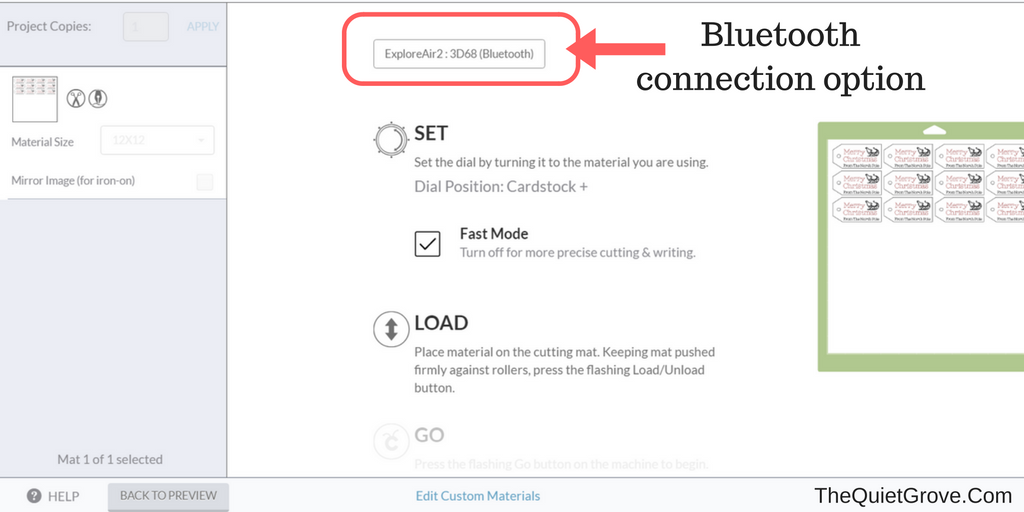
The Cricut Explore Air 2 (like the Cricut Explore Air) is Bluetooth. This means I don't have to actually have my machine plugged into my computer or tablet to work. This allows me to use my Cricut in my office, on the kitchen table or anywhere else I want to take it to use.
The Cricut Explore Air2 can cut over 100 different Materials. (though for some you will want to use a Deep Cut Blade.) So far I have mainly used my Cricut for Paper, Vinyl and Iron on (heat Transfer Vinyl for fabrics) projects, but I am looking forward to using their Faux leather too.
For more details Check out this awesome video by Cricut on The Explore Air 2!
Trust me if your Wife or Sweetheart found a Cricut Explore Air 2 wrapped with a bow under the tree Christmas Morning you will have earned the brownie points of the century!

If you like this post you might also like these: (Click on the picture to go to the links)




One Comment
Comments are closed.