Easy Count Your Blessings DIY Hand Towel


Have you ever wanted to make a custom Hand Towel?
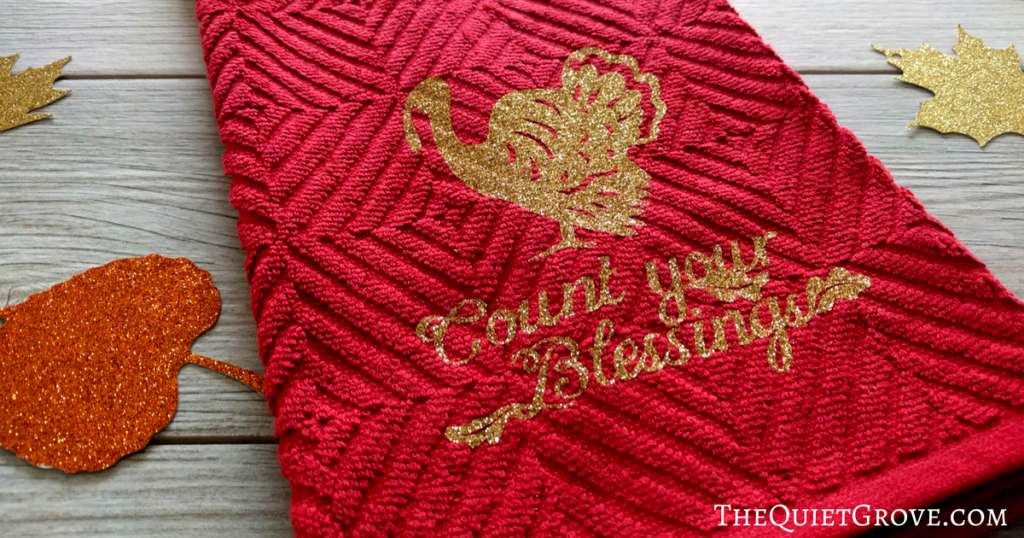
Well, If you have a Cricut Crafting Machine (I adore my Cricut Explore Air 2) and some Iron on (Heat Transfer Vinyl) then making your own custom hand towel is a piece of cake.
We were recently invited to visit friends who live in another state for a week. Now I am of the old-school belief that if you are ever invited to someone's house (whether for a visit or a gathering) that you should always bring a gift. Since we were soo close to Thanksgiving I decided it would be fun to make them a cute DIY Thanksgiving Hand Towel to brighten their kitchen.
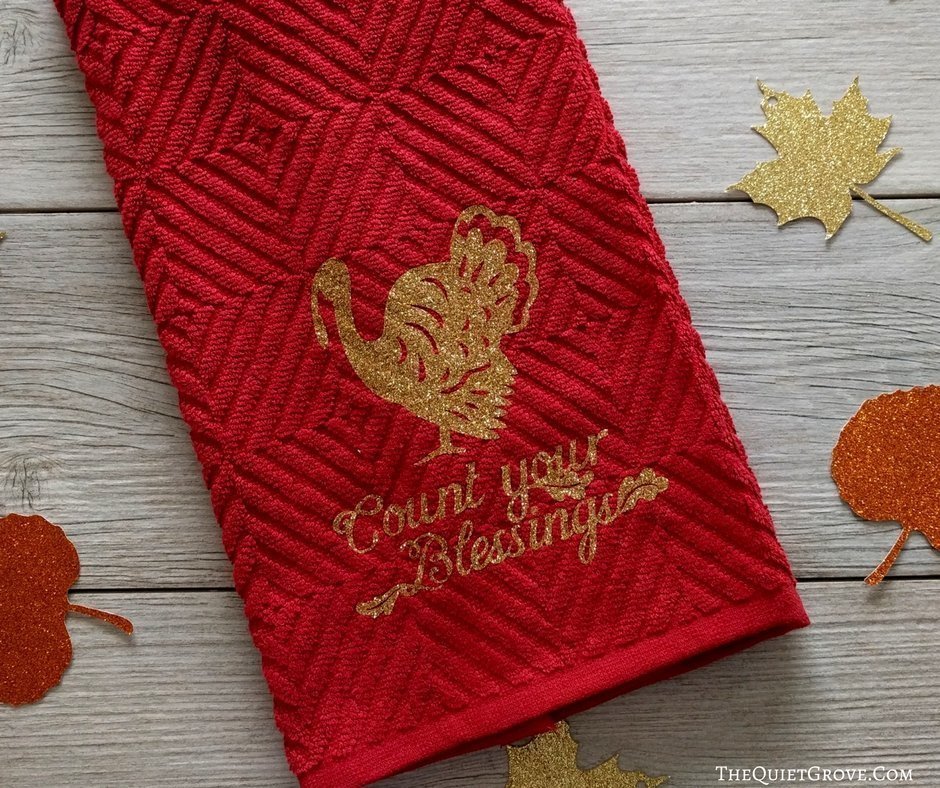
Thanks to how easy Cricut's Design space is to use I was able to put this cute Count Your Blessings Turkey design in just minutes. The rest of the process is just as easy.
Materials Needed:
- Cricut Explore Air 2 (or other Cricut Crafting Machine)
- Cricut Design Space
- Iron On (I used Cricut's Gold Glitter Iron on)
- Cricut Essentials tool set
- Standard Grip Mat
- Hand Towel
- Iron (I used a standard Iron but hope to be able to upgrade to an Easy Press soon.)
- Cloth or Parchment Paper
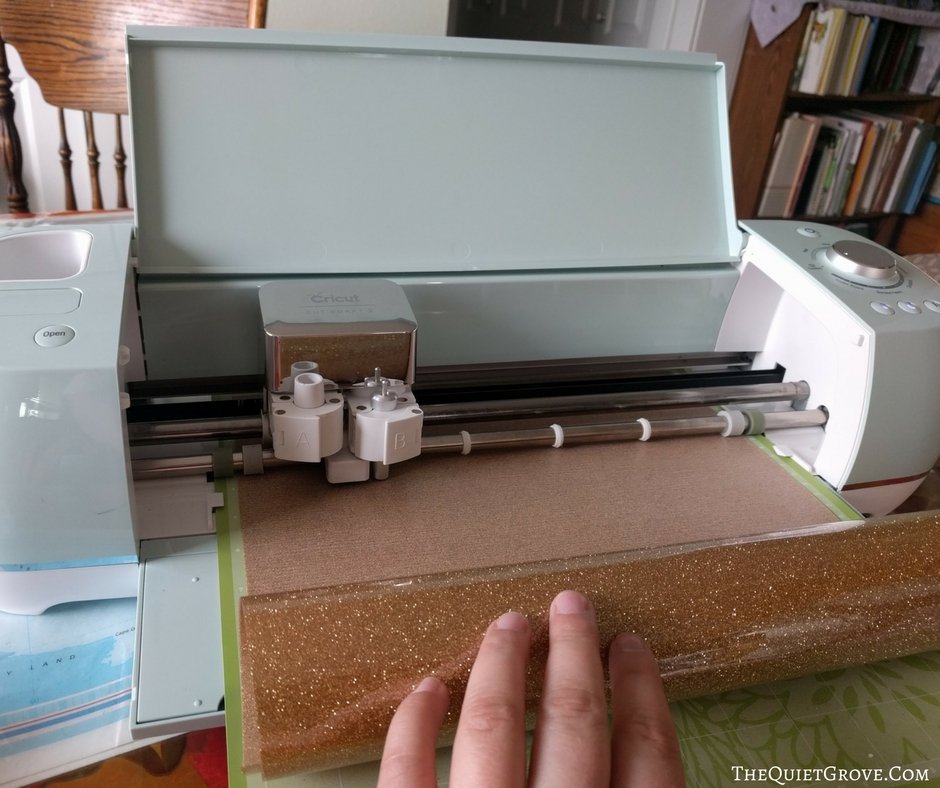
Directions:
- Access my Count Your Blessings Turkey Design Space Canvas Here.
- Click the Make it button (then make sure to click the Mirror Image option since you are working with Iron On)
- Set your Cricut to Iron On (or if using Glitter Iron like I did (make sure to set your machine to custom and then select Glitter Iron on for the best cut)
- Place your Iron on, onto your cutting mat shiny side down and load into your machine.
- After finished cutting weed excess iron on from your cut design
- Heat your Handtowel surface with your Iron then carefully place your Iron on where you want it on the towel (making sure the design is as straight as possible.
- Place a thin cloth or even better parchment paper between the Iron on & clear backing and your Iron.
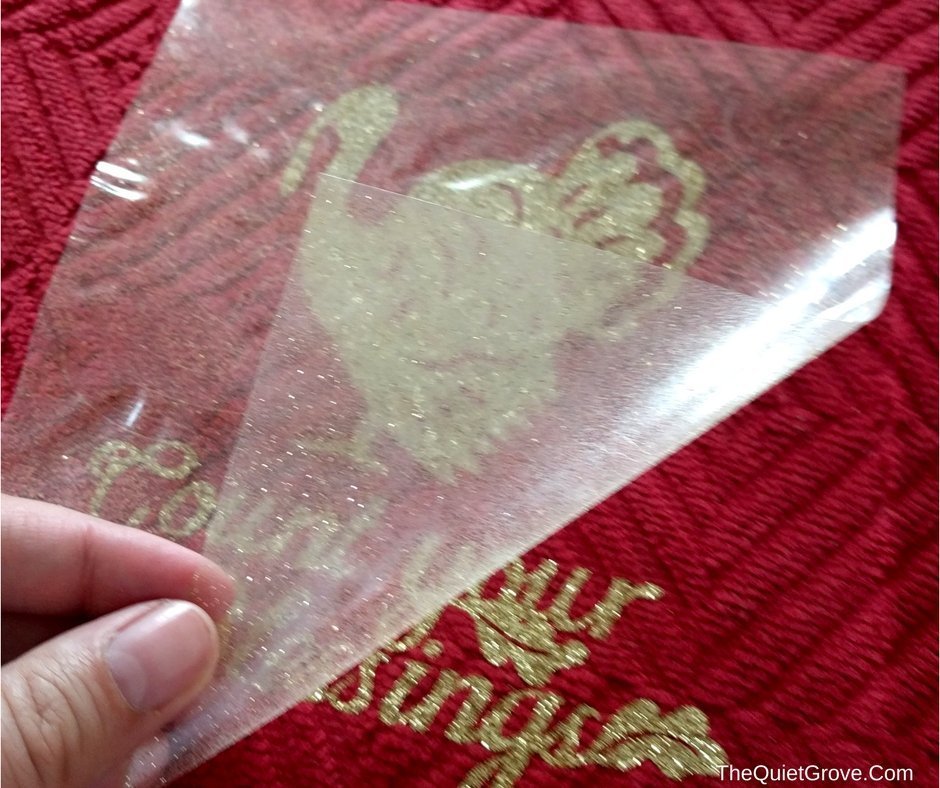
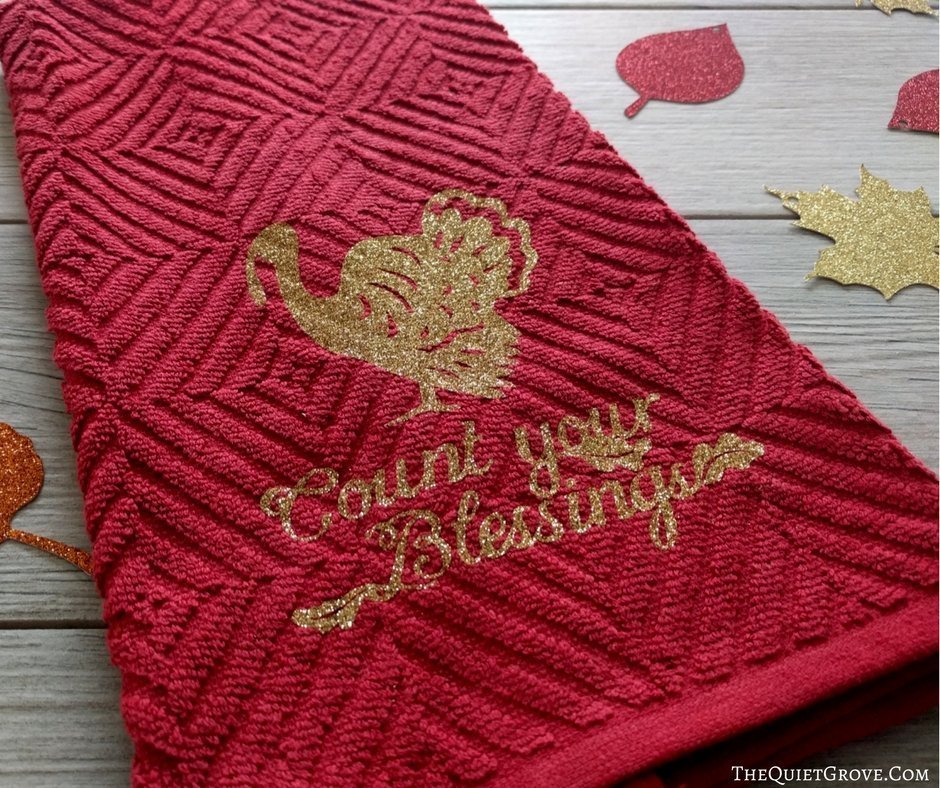
- Press FIRMLY. You know you are done when the Transfer backing peels off with no resistance and the Iron On stays on the fabric.
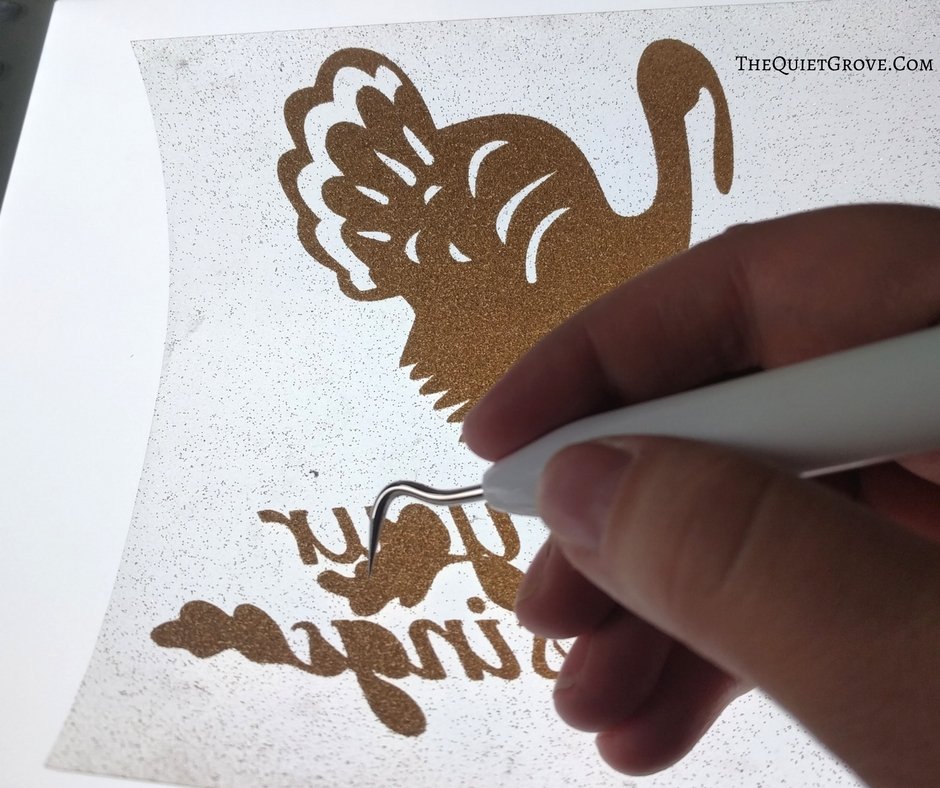
I love how this Thanksgiving Hand Towel turned out. I may have to make a few more for my own home (when we eventually get one again.
If you liked this Thanksgiving post then check out these: (click on the photo to go to the posts)