DIY "Midnight Kisses and New Year's Wishes" New Years Party with Cricut!
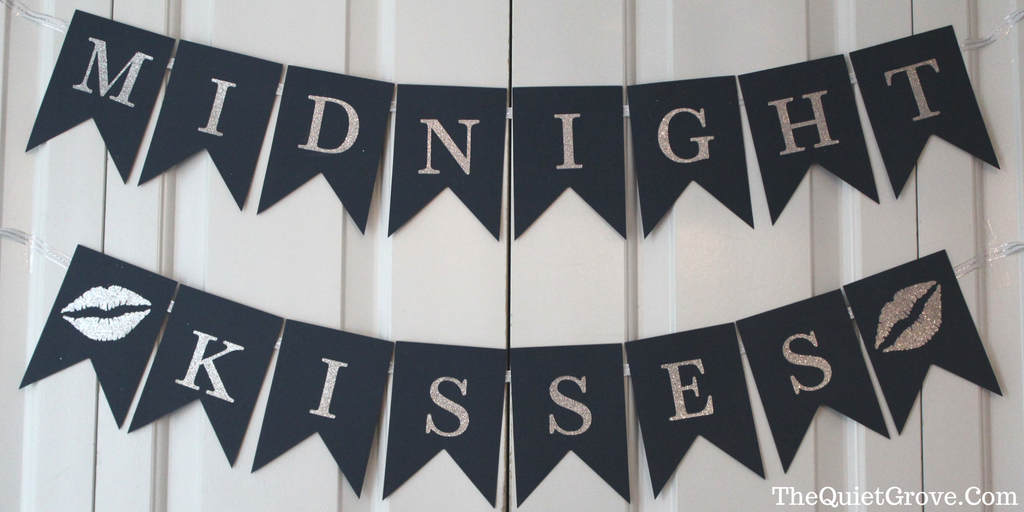
If you are going to have a Theme Party than of course, you want a Banner that proclaims the Theme. They are easy to make and really help pull your themed decorations together. I placed my banner behind my food table to tie together the whole look.

Materials for Midnight Kisses Banner:
- Cricut Explore Air 2
- Cricut Design Space
- Standard Grip Mat
- Navy Blue Cardstock
- Silver Glitter Cardstock
- Glue Stick
- Ribbon
- Tape
Directions:
- Download Free SVG cut file for Pennant Banner

- Download FREE Kissy Lips SVG Cut File

- Upload both Pennant Banner and Kissy Face SVG Cut files into Cricut Design Space.

- Size Banner to 3.99 in wide x 5.7 in high (unless you want them bigger. This size will get you 2 Banners Pennants per 12x12 in page of Cardstock. (For the Midnight Kisses Banner you will need 16 Pennants.)
- And size lips to 3.27in wide x 2.08in high in order to fit on the banner pennant. (You want 2 sets of lips. 1 for each side of "Kisses" for the banner.)

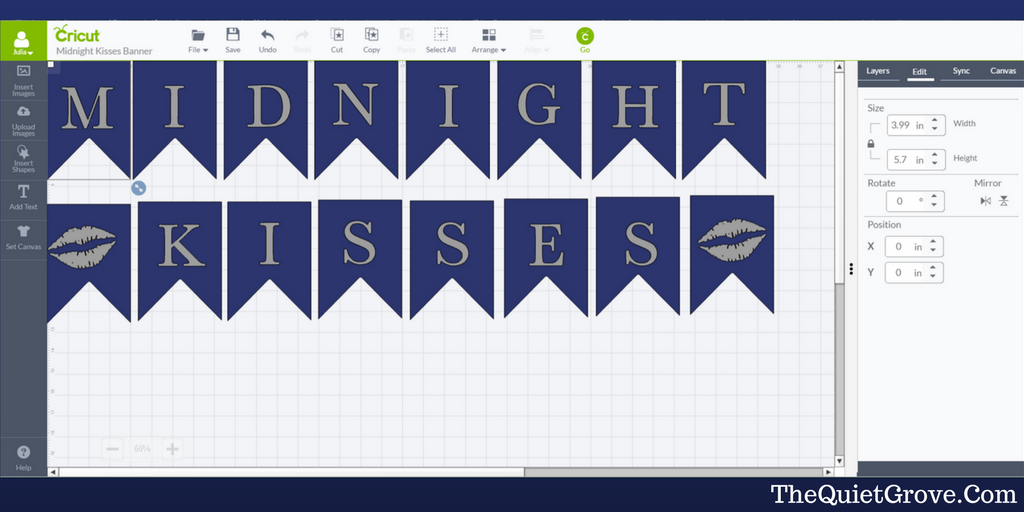
- I used Cricut's "Cake Basic" font sized 223 to fit on the banner Pennant.
**I used Navy Blue Cardstock I got at JoAnns for the Pennants and Silver Glitter Cardstock again found at JoAnns for the Letters and Kissy Lips.
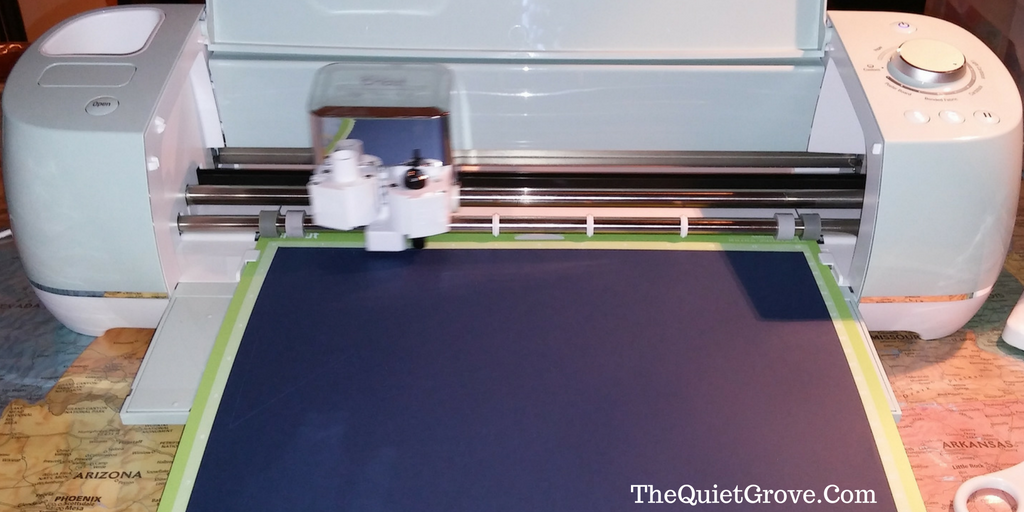
- Click the Go button in Cricut Design Space to send the Banner Canvas to the Cricut Machine to Cut.
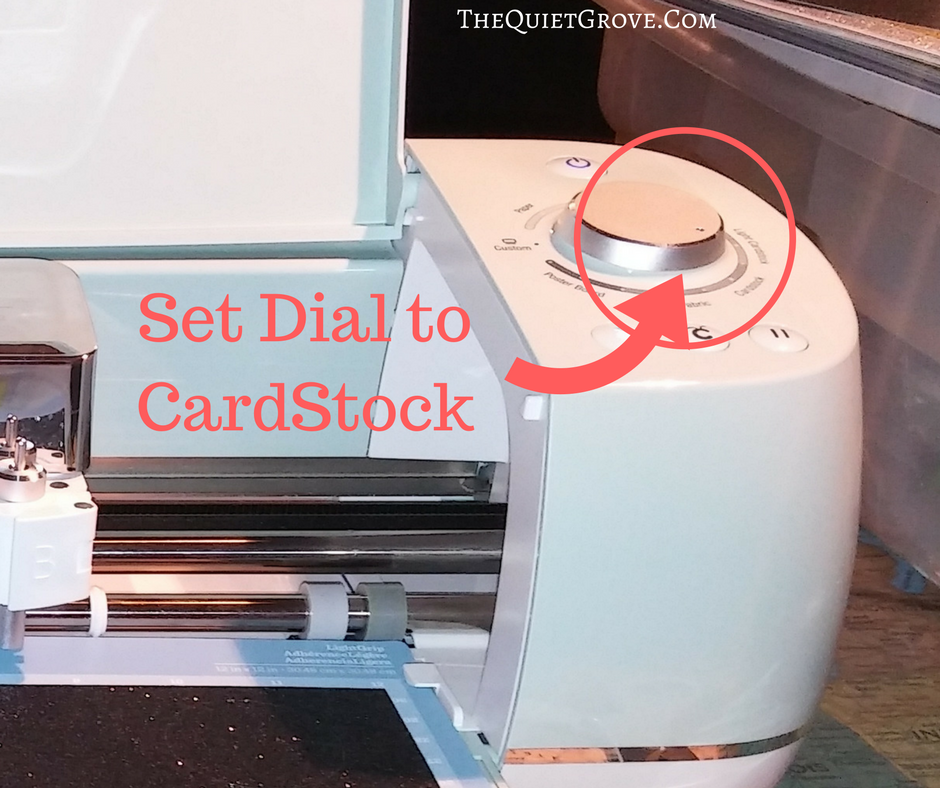
- Set the Dial on the Cricut to Cardstock, place the cardstock on the Standard Grip Mat, Load and Click go to Cut.
- Carefully weed all unneeded Cardstock and then remove the cut designs from Mat
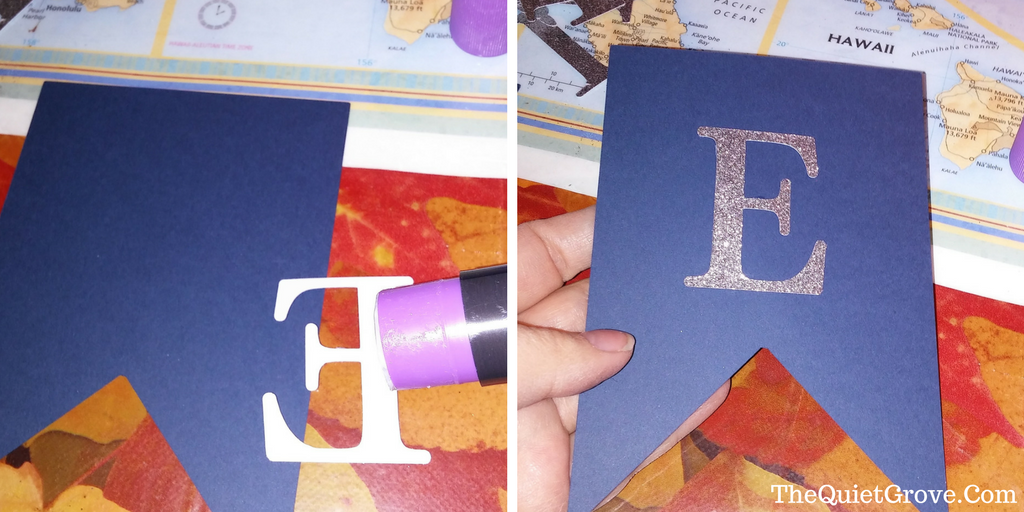
- Use Gluestick to glue the Letters and Lips to the Pennants
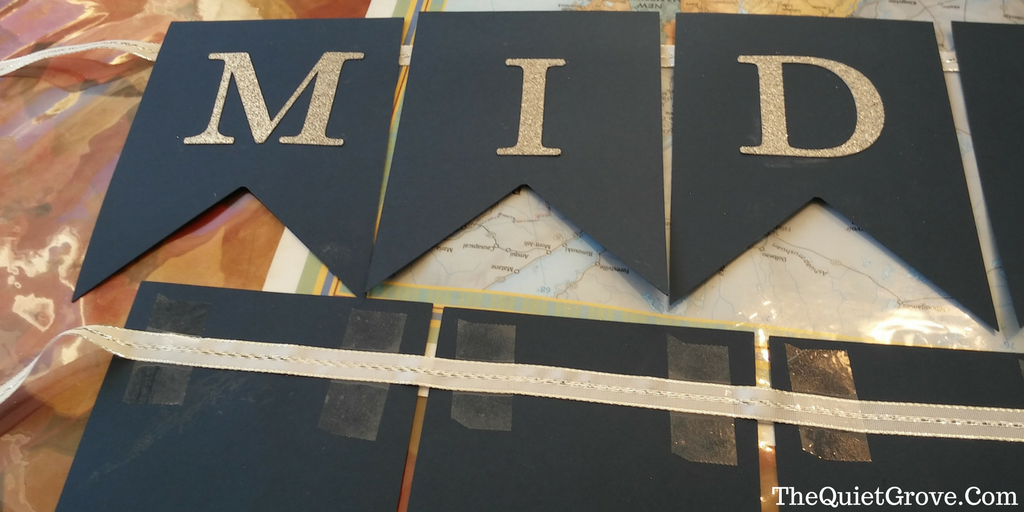
- Use tape to attach finish Pennants to Ribbon.
You can use this banner as a backdrop for your food table, for a photo booth backdrop or just hang it on the wall to decorate. No matter where you put the banner it is sure to make a statement.
For Directions and Designs to make the New Year's Drink Bottles, Kisses, and Photo Props click the "Continue Reading" Button to go to the next page.



These are all such cute ideas! Happy New Year 🙂