
DIY Snuggle This Muggle Baby Onesie (With Free SVG Cut File)


This DIY Snuggle This Muggle Baby Onesie is the perfect Harry Potter themed Baby Gift!
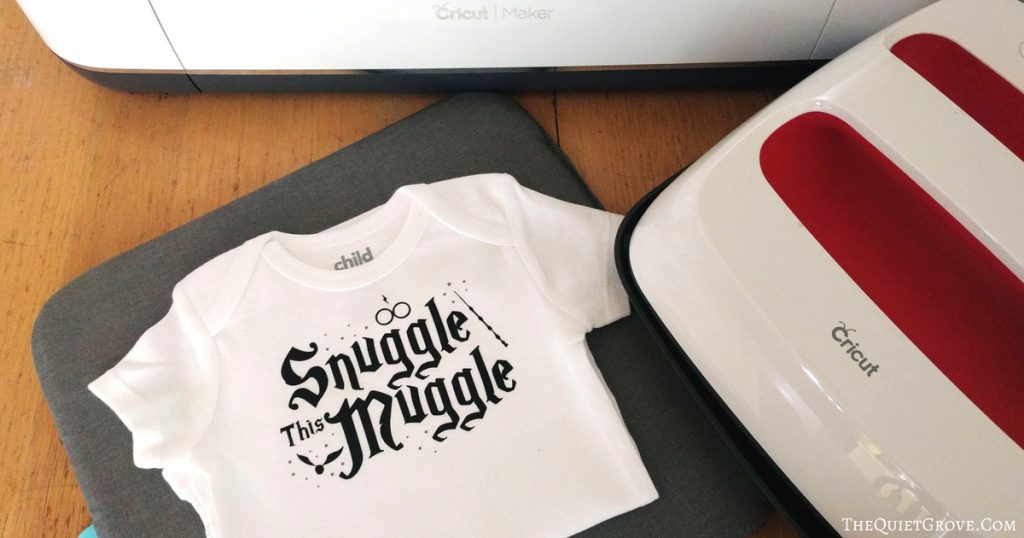
Two of our best friends just had their first baby. Of course, I had to make them some custom baby onesies as a gift. Since the white onesies I wanted came in a 3 pack I decided that for the first I would make a classy Bowtie & Suspenders Onesie for Church (get the free SVG cut file here) Then I would do a fun onesie design in honor of each parent. The dad is big in games (video games, card games & Board games) So I designed a fun simple "Future Gamer' Onesie (tutorial coming soon). The mom is a HUGE Harry Potter fan so I made this a fun "Snuggle This Muggle" Onesie.

I wanted the Onesie to be magical so while I used black Iron-on for the main design with the words and HP icons. I added little silver starts in silver foil Iron-on to give it that final magical touch.

I LOVED how the Onesies turned out and even more important my friend did as well. Really making custom Onesies is soo easy to do when using a Cricut Air or Maker machine, Cricut Iron-on and the EasyPress 2. **The Easy Press 2 Comes in 3 sizes. Right now I only have the middle 9x9 in size but I totally want their small 6x7 in size which is perfect for making these baby onesies as well as paper crafting which I love to do.
Materials Needed
- Cricut Maker (or other Cricut Cutting Machines that work with Design Space)
- Snuggle This Muggle Free SVG Cut File --> HERE <--
- Standard Grip Mat
- Fine Point Blade
- Essential Tool Kit
- Black Iron On Lite
- Silver Foil Iron-On
- EasyPress 2
- EasyPress Mat
- White Baby Onesie (I did mine in the 3-6 Month Size)
If you need to order any of these supplies from Cricut.com use Promo Code: QUIETGROVE to get 10% off + free shipping!!
**Note this code does not work on Design Space Access, digital content, machines, EasyPress, Brightpad
Instructions
- Download my "Snuggle This Muggle" SVG Cut File --> HERE <--
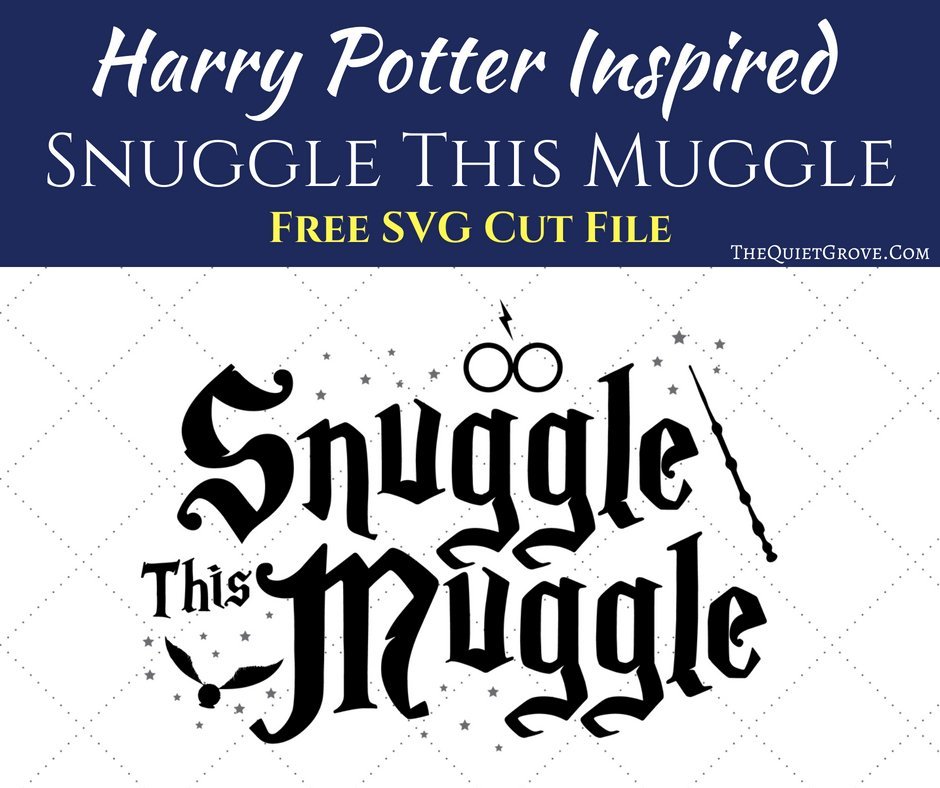
- Size design for the shirt you are putting them on. (the sizing in the canvas is for a 3-6 Month Baby Onesie)
- Then Select the Black Layer and click Attach. Repeat with the Silver (stars) layer. **This will keep your formatting and spacing of the design while cutting.

- Make sure to click the Mirror Image button for all the Mats before cutting them out.

- Select Iron-on as your material.

- Load your Black Iron-on shiny side down on your standard grip mat.

- Weed using weeding tool and tweezers found in the Weeding Tool Set. **Most of the designs weed very easily. However, the fireworks will take patience due to how intricate they are.

- Repete Process for Foil Iron-on (only set the machine to Foil Iron-on Custom Material.)

Now for the EasyPress 2 Instructions.
- Place Onesie on EasyPress Mat ** The EasyPress Mat is Cricut’s newest tool to use with their Easypress. It shields your work surface from damaging heat (so you can use your table without damaging it) It helps eliminate moisture and directs the heat (from the Easypress) to your Iron-On Design creating a better meld to your fabric!

- For the Black Iron-on Layer (words & icons) Set the EasyPress 2 to 315°F / 157°C.
- Pre-heat the area of the onesie that the design will go for 5 seconds.
- Place the Iron-on Design on your baby onesie. I placed mine right below the neckline of the onesie trying to be centered.
- Firmly press the EasyPrress 2 for 30 seconds.

- Flip the Shirt over and Heat the Back (leaving the Iron-on liner on) for 15 seconds.
- Peel the protective backing off the design right away (recommended warm Peel)

- For the Silver Foil Iron-on (Magical Stars) Set the EasyPress 2 to 295°F / 157°C.
- Place the Iron-on stars on the baby onesie lining up the design with the already ironed words & icons.

- Firmly press the EasyPrress 2 for 30 seconds.
- Flip the Shirt over and Heat the Back (leaving the Iron-on liner on) for 15 seconds.
- Let Cool then peel the protective backing off the design (recommended Cold Peel)

I really love how this Harry Potter inspired baby onesie turned out. I totally want to design some more cute Harry Potter Onesies. Maybe a quiddich one saying He's a Keeper? Hmmm. I'll have to think about it some more.
If you liked this post then check out these (Click on the photo to go to the link)



Love this svg