
DIY Valentine Emoji Cookies Made With A Cricut Maker!
 Turn your Prewrapped cookies into Valentine Emoji Cookies for your kids to hand out at school!
 Turn your Prewrapped cookies into Valentine Emoji Cookies for your kids to hand out at school!

Due to sensitivities and allergies, many schools these days have decided that they will only allow their students to give out non-food valentines. If your kids go to one of those schools, don't worry I've got you covered. I have tons of Printable Valentines on this blog. (check them out HERE). Other schools, however, have decided to only allow wrapped treats and candies. While you can always pair my printable valentines with your favorite treats I thought it would be fun to turn some favorite treats into valentines.
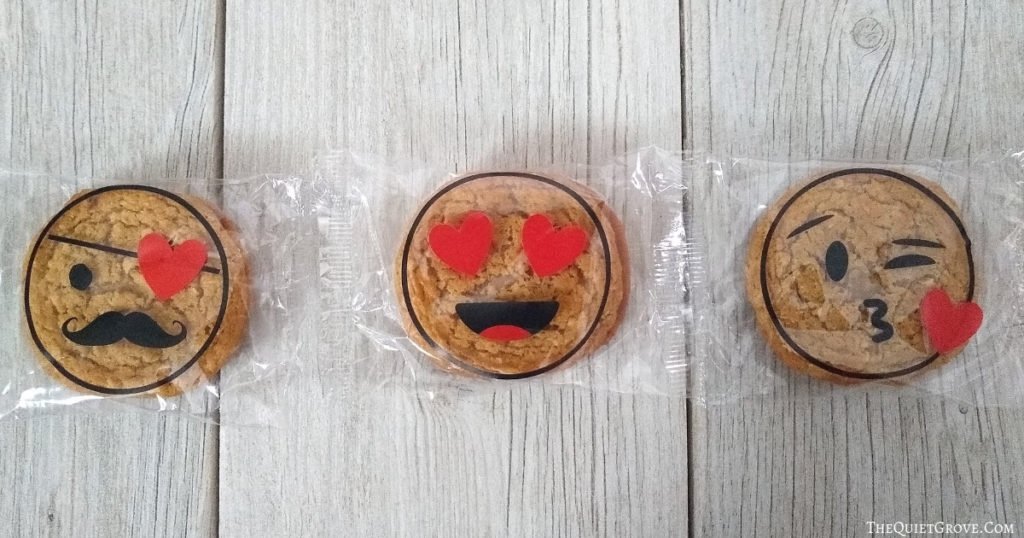
Since my family has a weak spot for baked goods I got some Oatmeal Cream pies and then started brainstorming on Valentine ideas. Since cookies are round I decided to make fun Emoji faces out of vinyl to put on the outside wrapping. As I got designing one emoji face design wasn't enough. I ended up creating three. Each with a fun Valentine (or heart) touch.
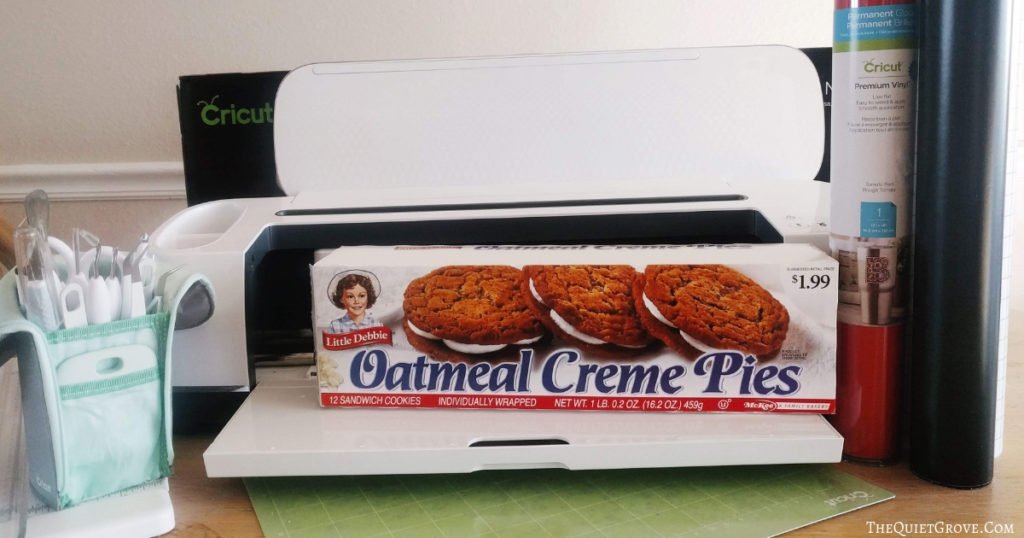
Materials Needed:
- Cricut Maker (or other Cricut Cutting Machines that work with Design Space)
- Cricut Design Space Emoji File -->HERE<--
- 12 x12 Standard Grip Mat
- Fine Point Blade
- Cricut Essentials Tool Kit
- Black Vinyl
- Red Vinyl
- Transfer Tape
- Wrapped Oatmeal Cream Pies
Instructions:
- Open Cricut Design Space Emoji File -->HERE<--

- Click to make it and select Vinyl as the material.

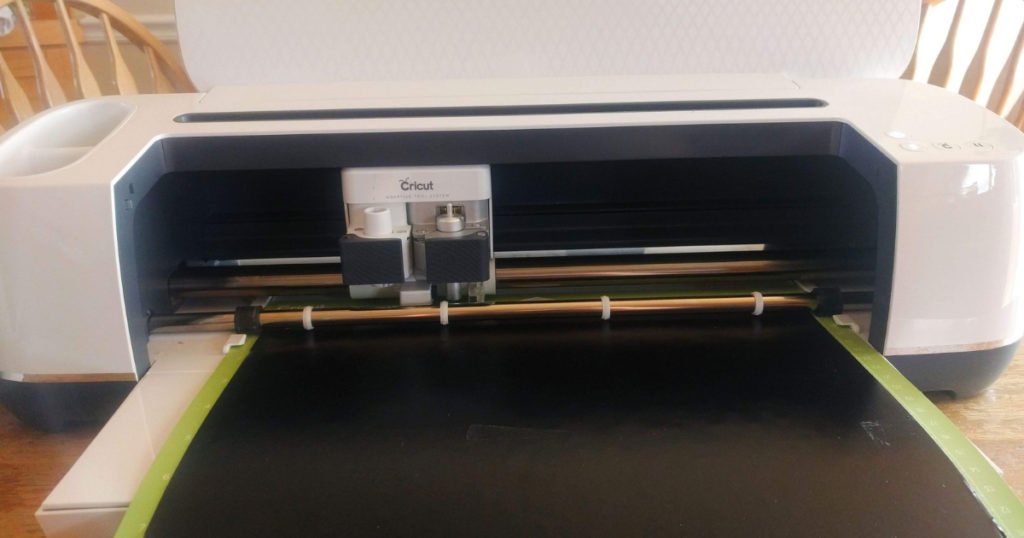
- Place your black vinyl onto a standard grip mat and load into your Cricut
- Once done cutting use weeding tool from your essential tool kit to weed out unneeded vinyl.
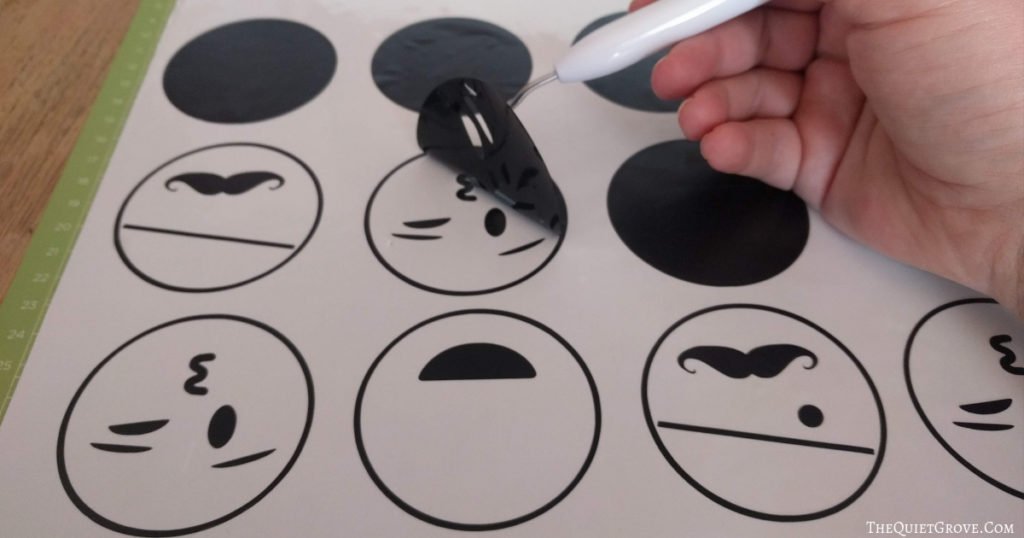
- Cut Transfer tape to fit the size of the cut design, peel off back and using the scraper firmly adhere to vinyl.
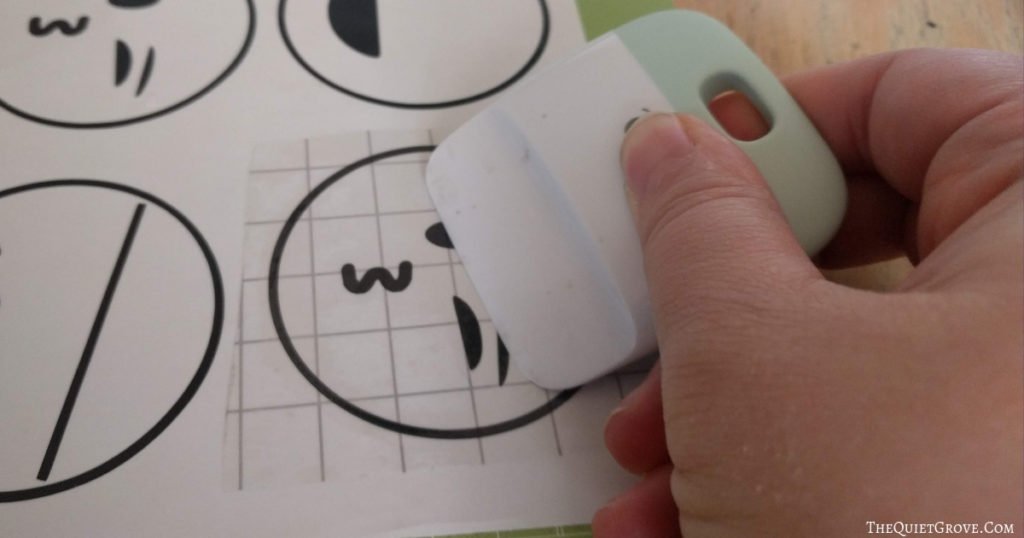
- Peel of backing from vinyl
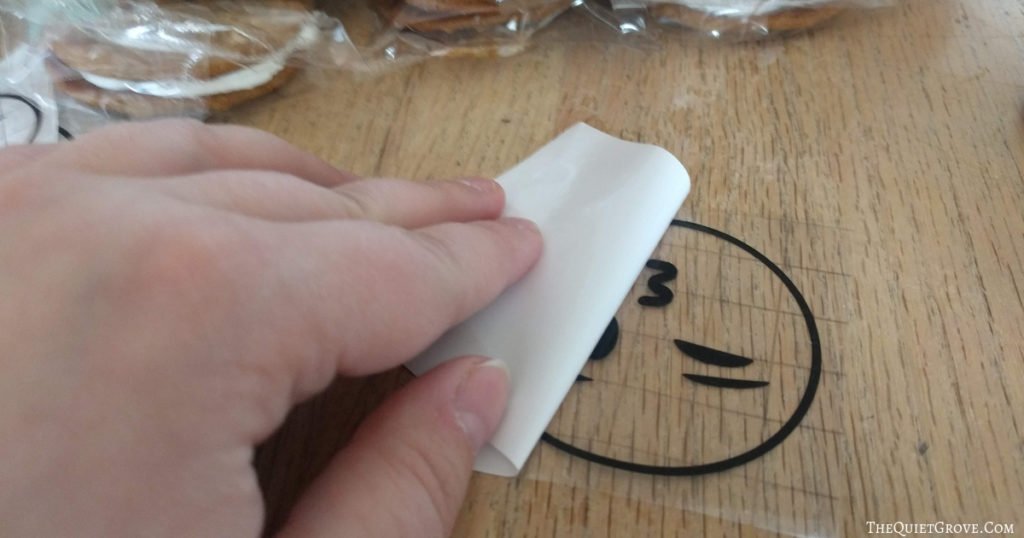
- Place design on wrapped Oatmeal Cream Pie, then peel off transfer tape.
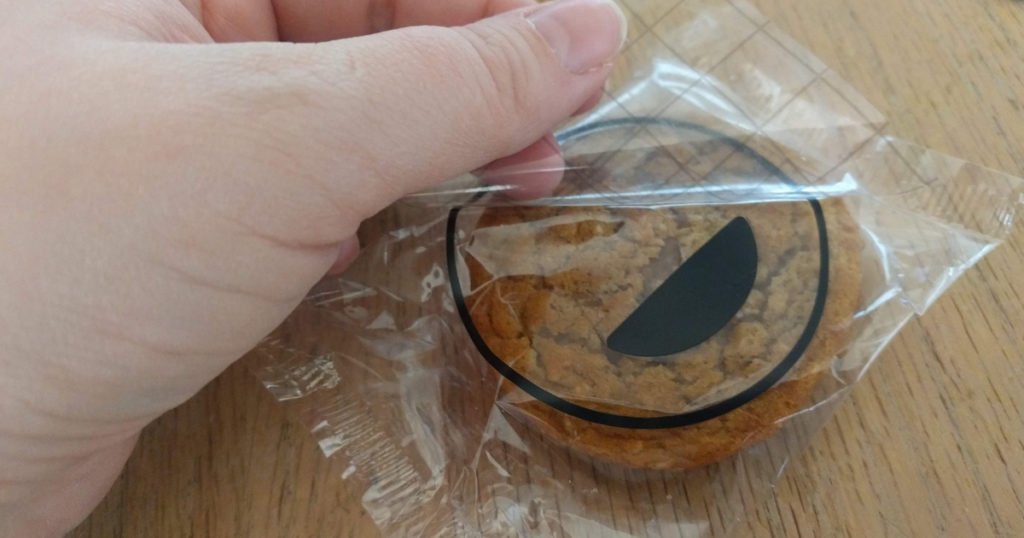
- Repeat process for red vinyl.
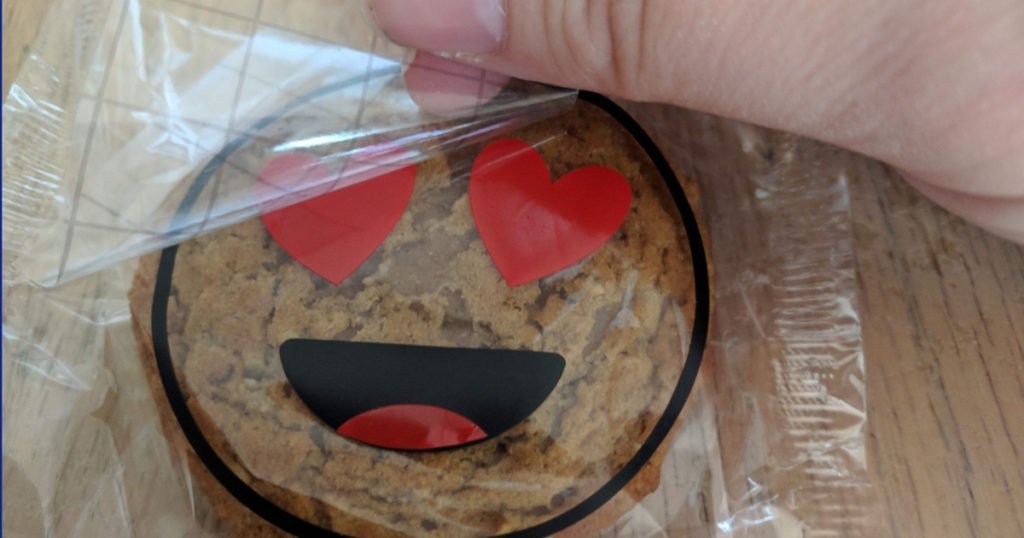
These Emoji Valentines were super easy to make thanks to my trusty Cricut Maker and turned out so cute. My son especially loved them, (I think his favorite is the pirate looking one with the eye patch.)
If you liked this post then check out these: (click on the photo to go to the link)




I love your design!! I clicked on the link above to go to the design but wen it loads to crick it states it was marked as private so we can't actually access it.
I am so sorry about a year ago check changed some of their settings for design space to make it so you could work offline. When that happened some of my design space links broke. I just fixed the link so it should work now. Thanks for letting me know.