
Will You Use Your Cricut Explore Air 2 Enough To Justify The Cost?

Have you been considering purchasing a Cricut Explore Air 2 but are worried that you won't use it enough to justify the price?
I am a thrifty person by nature. I have found that it is easier to spend money on my husband, children, and general household than on myself. Because of this, I held off on getting a Cricut Crafting machine for a long time. I worried that even though I wanted one a lot, that I wouldn't use it enough to justify the cost of it. This was a real worry for that is exactly the problem I ran into with my old silhouette. I had wanted a crafting machine for years and my sister had convinced me to buy a silhouette cameo like she had. I saved up and for my birthday one year, I finally got it along with a bunch of accessories and the extra software to be able to use my own design files. However, due to the difficulty of the design program, frustrations with the blade and mats not working well and projects getting ruined I just didn't use it too often.

At the time I had gotten my Silhouette Cameo, Cricut machines didn't have the ability for me to use my own designs (which with being a graphic designer married to an Illustrator/graphic designer was a big thing for me). However, the software required to use my own designs with my Cameo was often frustrating to work with. I still liked having a personal crafting machine and did manage to make some beautiful things, but the frustrations I experienced trying to get my machine to do what I wanted without wasting too many materials in attempts just wore on me and eventually my Cameo got put in its box and stashed in the corner for several months.
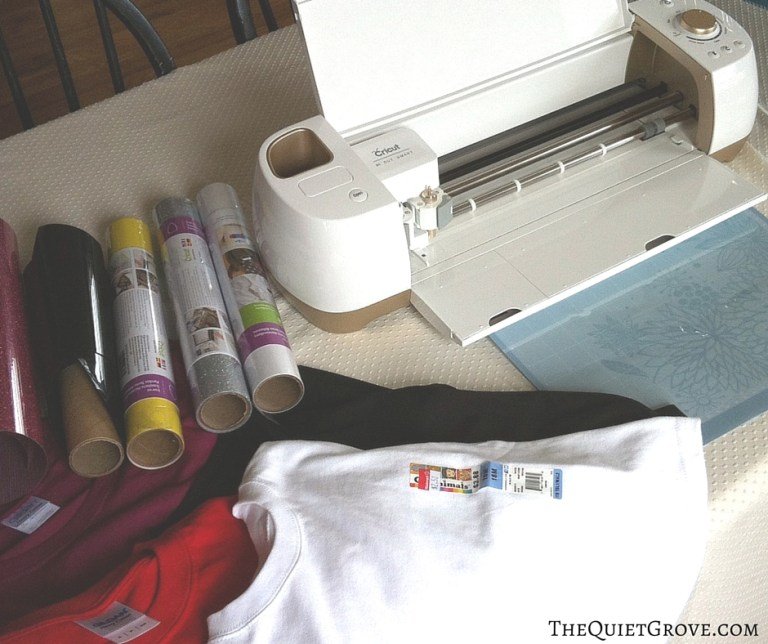
Then Cricut came out with its Explore Air Crafting machine. The New Cricut machine could do all the things I got my Cameo for (including the ability to use custom designs) and had an EASY to use design software called the Cricut Design Space. Even more, the New Cricut Explore Air also had a dual tool holder turning it from being just a cutting machine to a full on crafting machine that could Write or Score, and Cut at the same time! I shared all this with my husband who expressed his concern of whether I would actually use this machine. We spoke a lot about it and in the end decided to go for it. (Read more about why I replaced my Silhouette Came with a Cricut Explore Air)

I am soooo glad that I did. The Cricut Explore Air, in my opinion, is by far a better unit and yes the design software was waaaay easier to use. Because of this, I used my new Cricut more in the first month than I used my Cameo in the whole year before. I have had soo much fun creating custom party/holiday decorations, gifts, home decor items, custom clothing (using iron-on HTV), and more. I have even posted here on my site the DIY instructions for many of the projects I have made.

My husband even agrees that my Cricut is well worth the cost so much so that he was totally ok with me upgrading to the faster Cricut Explore Air 2 when it came out. I have used my Explore Air 2 even more than I used My Explore Air (that faster speed makes a difference I tell you.) I have saved money on things I would normally spend money on (decorations/cards) and created fun things I had always wanted to (custom t-shirts), and most of all I have had a lot of enjoyment creating with my Cricut Explore Air Machines. So I have to say I agree with my husband the Cricut Explore Air & Air 2 are well worth their price!

If you liked this post you might also like these: (click on the photos to go to the posts)




I really like your post. I have been studying all the cricut machines and trying to figure out what one would be the best for me and if I could justify the price of one. I think my question also is, what is the cost of supplies going forward after you buy it. Also do you have to pay a monthly subscription fee to get patterns for projects. Please explain that for me. Also should I go wireless can I use my iPhone with it, there are just so many questions.
If you want access to Cricut's design there is a monthly fee. However, Cricut offers free designs every month...and you can always make your own designs or use designs made by others like the ones I offer on my site.
As for the cost of supplies, I like to get mine on sale at craft stores and online which cuts my cost a lot. As for how much it would cost you it depends on what materials you most want to work with.
The Air 2 is Bluetooth compatible so you can use your computer, tablet or smartphone just fine.
If you have any more questions let me know. I LOVE my Cricut Machines soo much. I use them all the time for gifts, decorations and more.