
The EasyPress 3 vs The EasyPress 2
This post is sponsored by Cricut. However, the views and opinions expressed are entirely my own. You can view my full disclosure here.

Recently Cricut came out with their next-generation EasyPresse (The EasyPress 3) and I'm here to talk about the differences.

I still remember when Cricut came out with the original Easypress. To say I was excited would be putting it lightly. I had been Cricut crafting for a while at that point and one of my favorite materials was Iron-on. The only problem was that like many of you, at that point in time I didn't have a dedicated craft room (I usually crafted on my kitchen table.). This meant I had no place to put one of those large stationary heat presses. So I made do with my home Iron. It worked, but it was so tricky to get the results I was looking for, for my Iron-on projects. This was why I was so over the moon when Cricut announced they were releasing their own portable heat press.
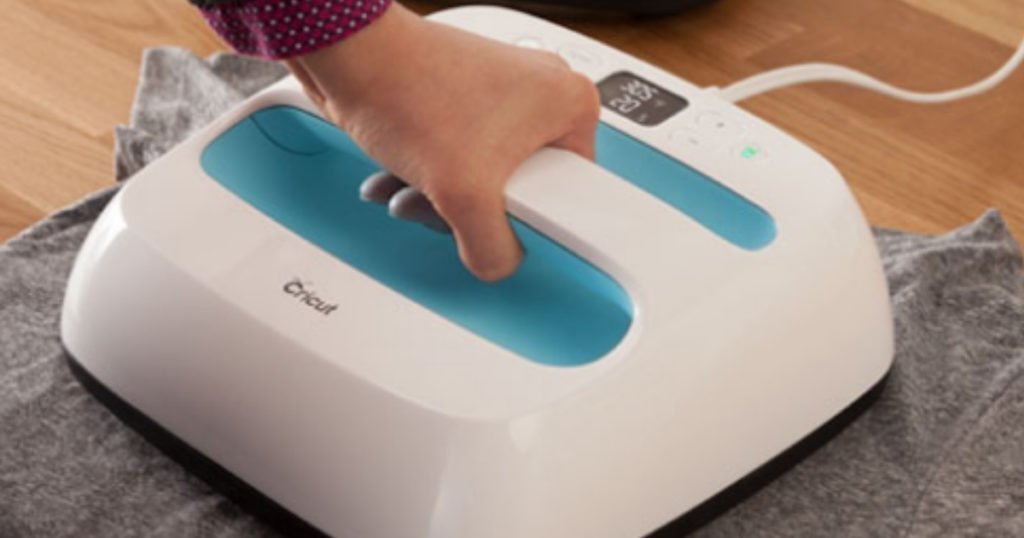
I immediately had to get that Easypress and after using it just once I was in love. I could set the Easypress to the exact temperature I wanted for my project and even set a countdown timer to let me know when I was done pressing. The heat plate held consistent even heat from edge to edge. it came with a protective base making it safer to use around my children and best of all it was portable so I could use it anywhere.
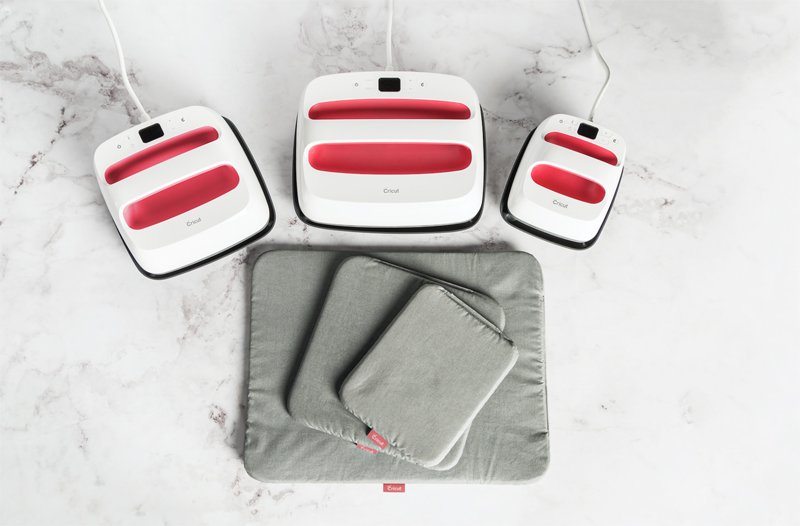
When Cricut announced their Easypress 2 line I was excited to see that in addition to the 9x9in size they also now would offer 6x7in and 10x12in Easypresses. Check out my article about the EasyPress 2's here. Additionally the new Easypresses (all released in a gorgeous raspberry color) could also go all the way to 400 Degrees. At the time I wondered why I would need that feature, but then shortly thereafter Cricut announced the release of their Infusible Inks (Cricut's version of Sublimation) and it all made sense, due to needing the higher temperature for those materials.

I have LOVED my Easypress 2's and have used all 3 of them (plus the Easypress mini which came out next) for soo many projects over the last few years. Each time I use one of my Easypresses I am reminded of how easy they really are to use and the results are the same as if I was using a full-sized stationary heat press (yes I have used a few different heat presses over the years to compare).
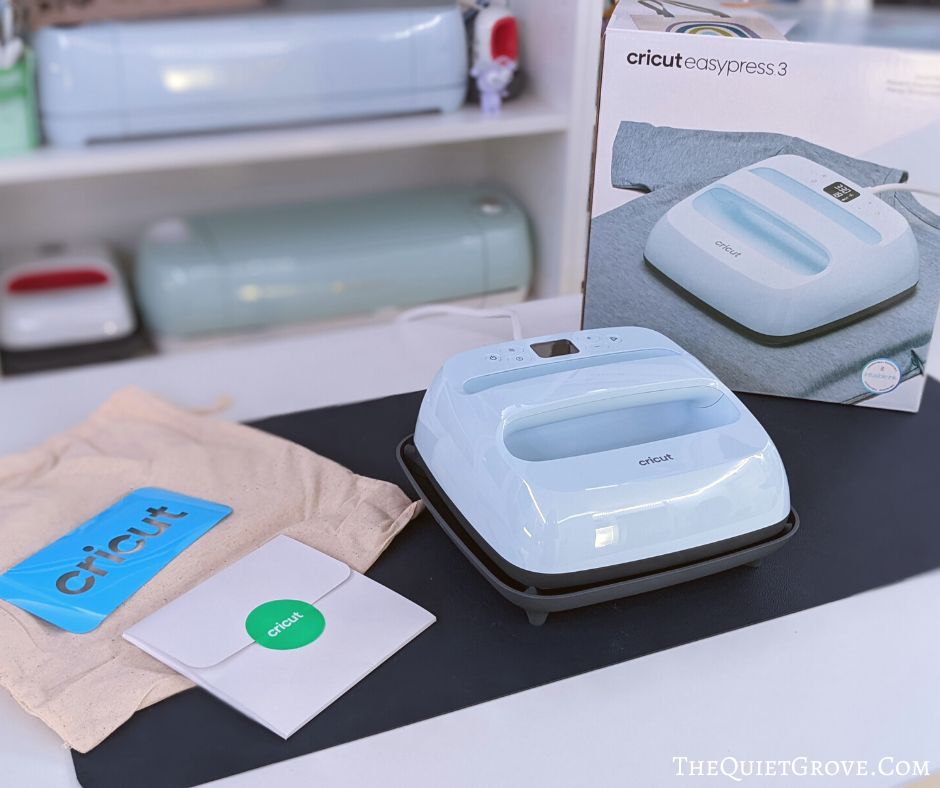
Now Cricut has once again released a new Easypress line, the Easypress 3. These new Easypresses come in 2 sizes, 9x9in and 10x12in (Cricut discontinued the 6x7in EasyPresses a while ago.) They are available in a gorgeous blue color which I do love. (vs the raspberry colors of the Easypress 2). I recently got their 9x9in Easypress 3 to check it out and see how it differs from the Easypress 2 and this is what I found:
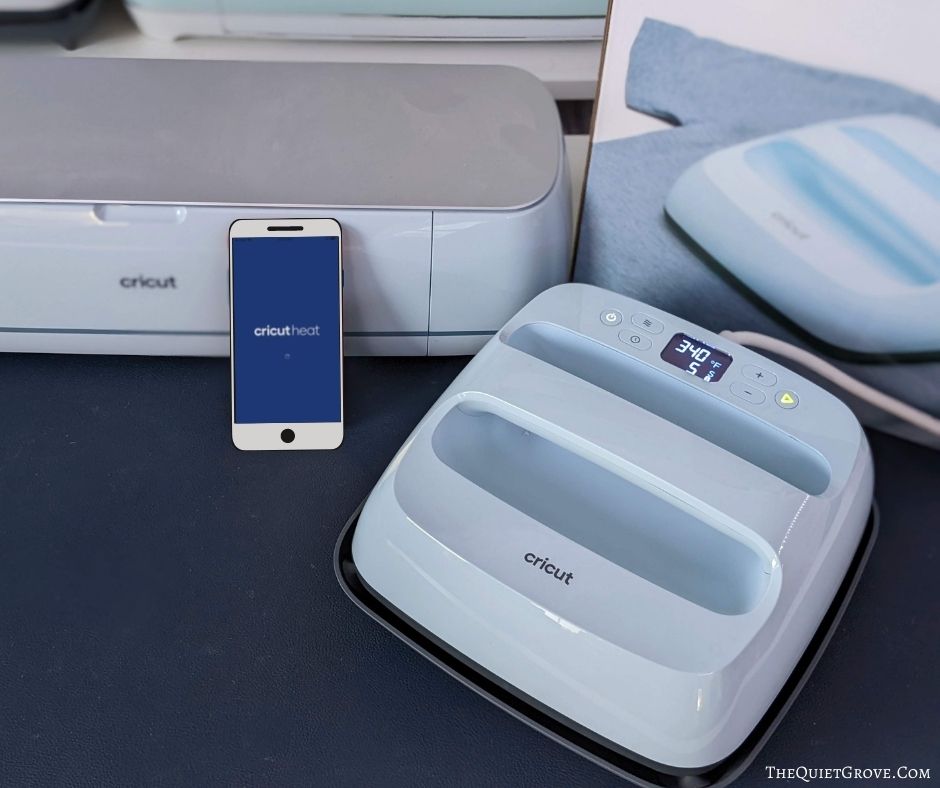
Other than the color, there are 2 main differences between the Easypress 3 vs the Easypress 2. The look (other than the color), and feel of the Easypresses are the same. As is their heat plate, and protective base. What is different about the Easypress 3 is that it has Bluetooth capability and can work in conjunction with Cricut's new Heat App!

Get the new Cricut Heat App Here for IOS or Android.
These new abilities really streamline the whole process of using Cricut's Heat press. let me explain. To get the best-finished results with your Easypress it is important to press your project materials at the proper temperature for the correct amount of time. To do this I would normally look up Cricut's online heat guide to know the exact time and temp to use for my project. Then I would manually input that into my Cricut Easypress 2 using the buttons on top. With the new Heat App, I can enter my Cricut material and base material and which Easypress I am using, and the app will then pull up the correct settings.

Once you know what you are doing and have everything set up to press you are then given the option to send (via Bluetooth) the time and temp details straight to the Easypress 3. Like I said this totally streamlines the process making it easier for you to get the best results.
Then it will show me any instructions needed for the press (like if I am using Infusible ink and have to later cardstock and butcher paper under the material and over the design before pressing) This is a great reminder so I don't forget.

If you are new to Cricut Crafting and using the Easypress the app even will load a tutorial video for the process. How cool is that? After all, some of us are more visual learners.

Now if you don't want to use the app and you just want to use your new Easypress 3 quickly you can still manually enter the time and temp just like with the Easypress 2 and you are good to go. As a reminder, you can use your Cricut Easypress 3 to work with various types of Iron-on (Heat Transfer Vinyl) as well as Infusible Ink (or Sublimation) on a variety of bases materials.

I love using Iron-on with paper products for a gorgeous embossed look, I also love using it on fabrics in the traditional way. When using Infusible Ink make sure you use fabrics that are at least 65% polyester since it is the synthetic threads that lock in the color. For non-fabric items, it's important to use blanks (Cricut has several) that have been treated with a special polymer coating which is needed to lock in the colors.

I love how Cricut is always looking for ways to make your crafting easier with better results. Whether you are crafting as a hobby or for your small business, you can't go wrong with Cricut. If you do ever have any problems with any of your Cricut Equipment, accessories, or materials, just know they have wonderful customer service who can help you out. Don't hesitate to contact them right away.

If you liked this post, then check out these: (click on the photo to go to the post)


A bit difference you didn't mention, is in what they come with. The older easypress2 units come with a pressing mat, but the newer 3's don't, something you'll still have to purchase if you're starting out and not upgrading.
The older Easypress 2 did not come with a pressing mat. You always had to get the mat separate. The Easypress 2 came with the heat base, a canvas bag and a ironon design to press on it as well as the actual heatpress.